
Blog
How to Measure a TV Screen Size: A Simple Guide
12.07.26
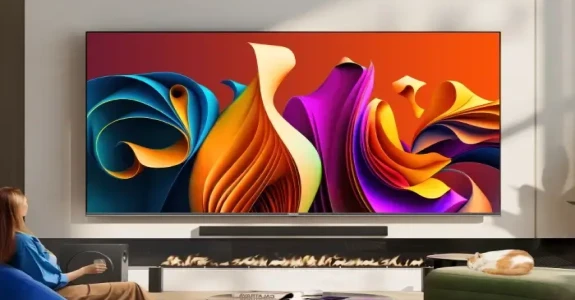
If you're buying a new TV, you've probably seen sizes listed as 32 inches, 55 inches, 65 inches or even 100 inches and above.
But what do those measurements actually mean?
Whether you're replacing an existing TV, planning a wall-mounted setup or checking if a new screen will fit your room, understanding how TV sizes are measured can help you make the right choice.
In this guide, we'll explain exactly how to measure a TV screen size and what other dimensions you should consider before buying.
How Are TV Screens Measured?
TV screen sizes are measured diagonally across the visible display area from corner to corner, not across the screen. So a 65-inch TV refers to the diagonal screen measurement, not the width of the television.
This method is used by TV manufacturers worldwide and provides a consistent way to compare different screen sizes.
Measuring a TV Screen Step by Step
Step 1: Find a Tape Measure
A standard tape measure is all you need.
For larger TVs, it can be helpful to have someone assist you to ensure an accurate measurement.
Step 2: Measure the Visible Screen Only
Measure only the active display area.
Do not include:
- The bezel
- The frame
- The stand
TV sizes always refer to the visible screen itself.
Step 3: Measure Diagonally
Measure from one corner of the visible display to the opposite corner.
This diagonal measurement determines the official TV size.

Why Doesn't TV Size Mean Width?
This is one of the most common questions people ask.
A 65-inch TV isn't 65 inches wide.
The 65-inch measurement refers only to the diagonal screen size.
Because modern TVs use widescreen aspect ratios, the actual width and height are much smaller than the advertised size.
For example:
| TV Size | Approx. Width |
|---|---|
| 32" | 28 inches |
| 43" | 38 inches |
| 50" | 44 inches |
| 55" | 48 inches |
| 65" | 57 inches |
| 75" | 66 inches |
| 85" | 74 inches |
| 100" | 87 inches |
These figures can vary slightly between models, but they provide a useful guide when planning your space.
TV Screen Size vs TV Dimensions
When buying a new TV, there are actually three important measurements to consider:
Screen Size
The diagonal measurement of the display.
This is the advertised size.
Width
The distance from the left side of the TV to the right side.
This determines whether the TV will fit on furniture or a wall.
Height
The distance from the bottom to the top of the TV.
This becomes particularly important when wall mounting.
For installation purposes, width and height are often more important than the advertised screen size.
Always check the dimensions listed on the product page before purchasing.
How to Measure Space for a New TV
If you're upgrading your TV, it's important to measure your available space first.
For a TV Stand
Measure:
- Width of the unit
- Available depth
- Available height
Make sure the TV stand can comfortably support the screen.
For Wall Mounting
Measure:
- Available wall width
- Available wall height
- Distance from seating position
Leave enough space around the TV for a balanced appearance.
For Alcoves and Media Walls
If your TV will sit within a media wall or alcove, measure carefully.
Remember to account for:
- Bezel width
- Mounting brackets
- Ventilation clearance
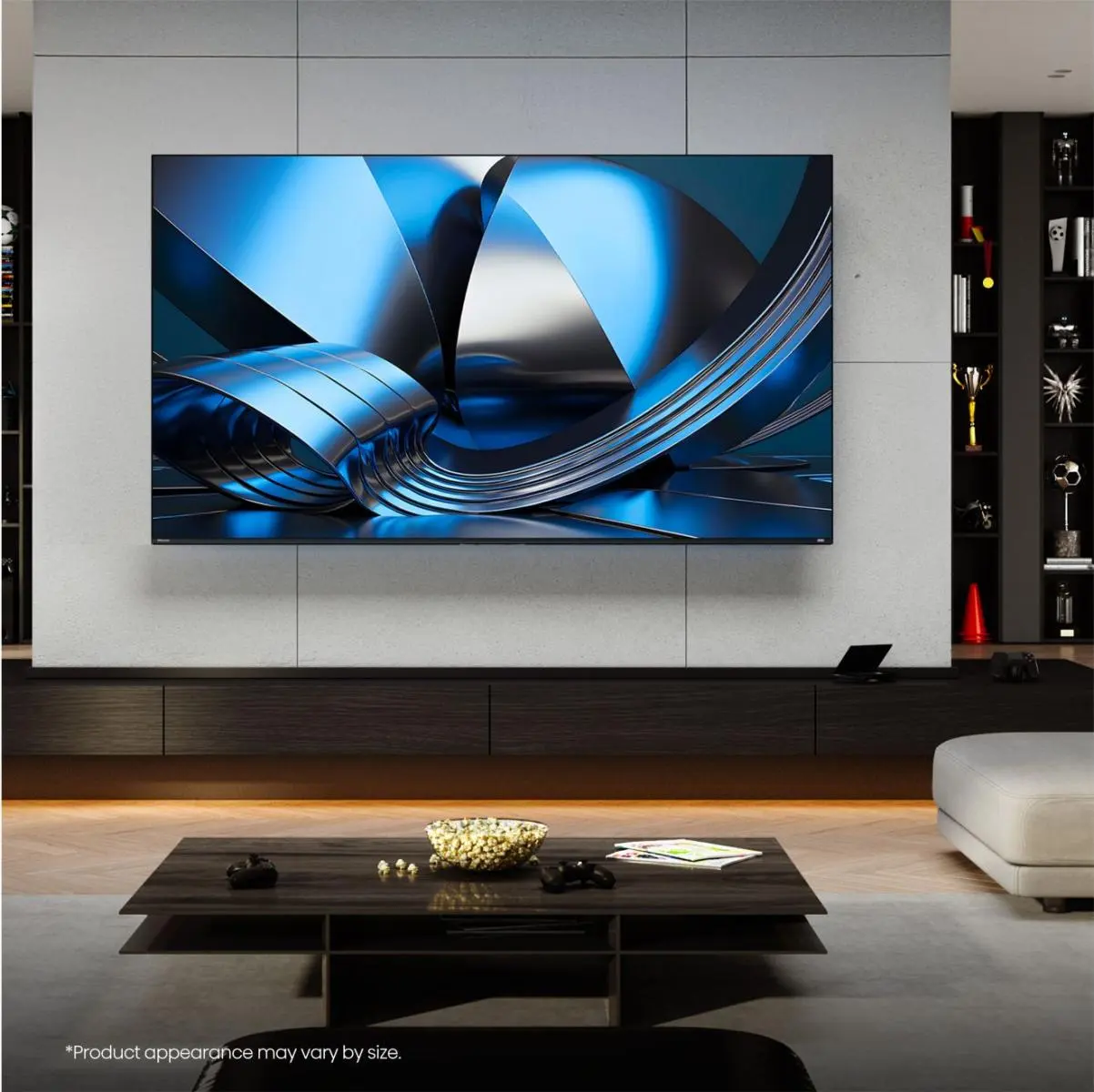
What TV Size Should I Choose?
Once you've measured your available space, the next step is choosing the right screen size.
As a general guide:
Small Spaces
Recommended sizes:
These more compact sizes work well in bedrooms and smaller living areas.
Medium Rooms
Recommended sizes:
These sizes work well in most living rooms and family spaces.
Large Rooms
Recommended sizes:
These larger screens provide a more immersive viewing experience, especially when paired with 4K resolution.
Does 4K Resolution Affect TV Size?
Not directly, but it can influence the size you choose.
Because 4K Ultra HD TVs contain significantly more detail than older Full HD models, viewers can sit closer to larger screens without noticing individual pixels.
This is one reason larger TVs have become increasingly popular in recent years.
A 65-inch or 75-inch 4K TV may feel more comfortable than you expect, even in a typical living room.
Common TV Measurement Mistakes
Measuring the Entire TV Instead of the Screen
Remember that TV size refers only to the visible display area.
Forgetting About the Stand
If your TV will sit on furniture, check the stand dimensions as well as the screen size.
Not Measuring Viewing Distance
The distance between your seating position and the screen should influence your size choice.
Choosing Based on Size Alone
A larger screen isn't always better. Room layout, viewing habits and available space should all play a role in your decision.
FAQs
How is a TV screen measured?
TV screens are measured diagonally across the visible display area, from one corner to the opposite corner.
Does TV size include the frame?
No. TV size refers only to the visible screen and does not include the bezel or frame.
How wide is a 65-inch TV?
Most 65-inch TVs are approximately 57 inches wide, although exact dimensions vary between models.
What is the most common TV size?
55-inch TVs remain one of the most popular sizes, although 65-inch TVs are becoming increasingly common.
Should I measure the TV or the space first?
Always measure your available space before buying a TV to ensure the new screen will fit comfortably.